Edit Any PDF Document by Converting It to Word
Convert PDF files into editable Word documents while keeping the original formatting and text intact.
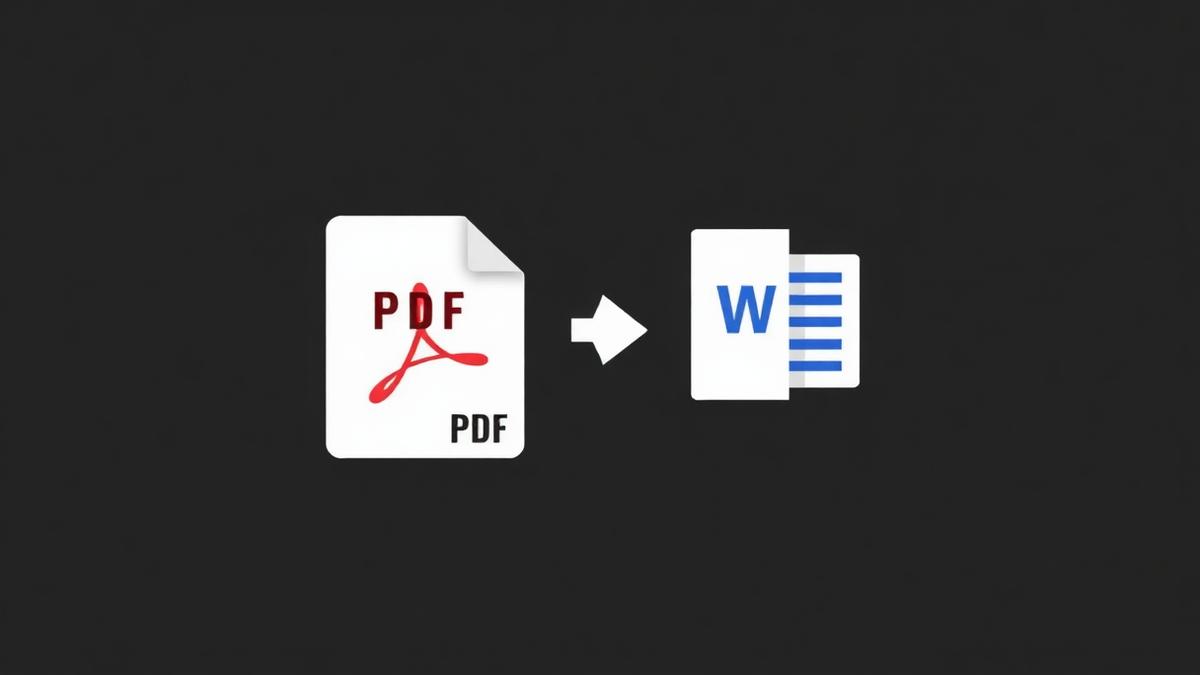
PDFs were invented so a document would look the same on every device. That is great — until you need to fix a typo and realise you don't have the original Word file. This is the single most common reason people search for a PDF to Word converter.
Two very different situations
Situation 1: The PDF was made from Word
If the original was a Word doc that got exported to PDF, the text inside is real text. Conversion is easy — the tool reads the text stream, preserves paragraphs, keeps most fonts, and hands you a Word file you can edit immediately.
Situation 2: The PDF is a scan
Scanned PDFs are pictures. There is no text to extract. To edit those, you need Optical Character Recognition (OCR) — software that looks at the image and guesses what letters it sees. Our converter has an OCR mode built in for exactly this case.
How to get the cleanest Word file
- Use text mode for PDFs that already contain selectable text.
- Use OCR mode for scans, screenshots, and photos.
- Convert one page first to check the quality before running the whole document.
- For heavy formatting (tables, columns, images), expect to do 10 minutes of cleanup — no converter is perfect.
What OCR gets wrong
Handwriting, unusual fonts, and low-resolution scans confuse OCR. Numbers like 0 and O get swapped. Table lines sometimes disappear. Always proof-read the converted file before you send it to a client.
Privacy matters here
Converting a PDF to Word usually means the file contains something private — a signed contract, a medical record, a legal document. Our tool runs entirely in your browser. No upload, no server, no history.
Frequently Asked Questions
Will the Word file look identical to the PDF?
Very close, but not pixel-perfect. Fonts and spacing may shift slightly.
Do I need Microsoft Word to open the file?
No. The output is .docx, which Google Docs, Pages, and LibreOffice all open.
Can I convert a password-protected PDF?
Unlock it first with our Unlock PDF tool, then convert.
Ready to try it yourself?
Convert PDF to Word →