Reduce PDF File Size Without Losing Quality
Learn how to compress PDF files for email, websites, and online submissions while maintaining document quality.
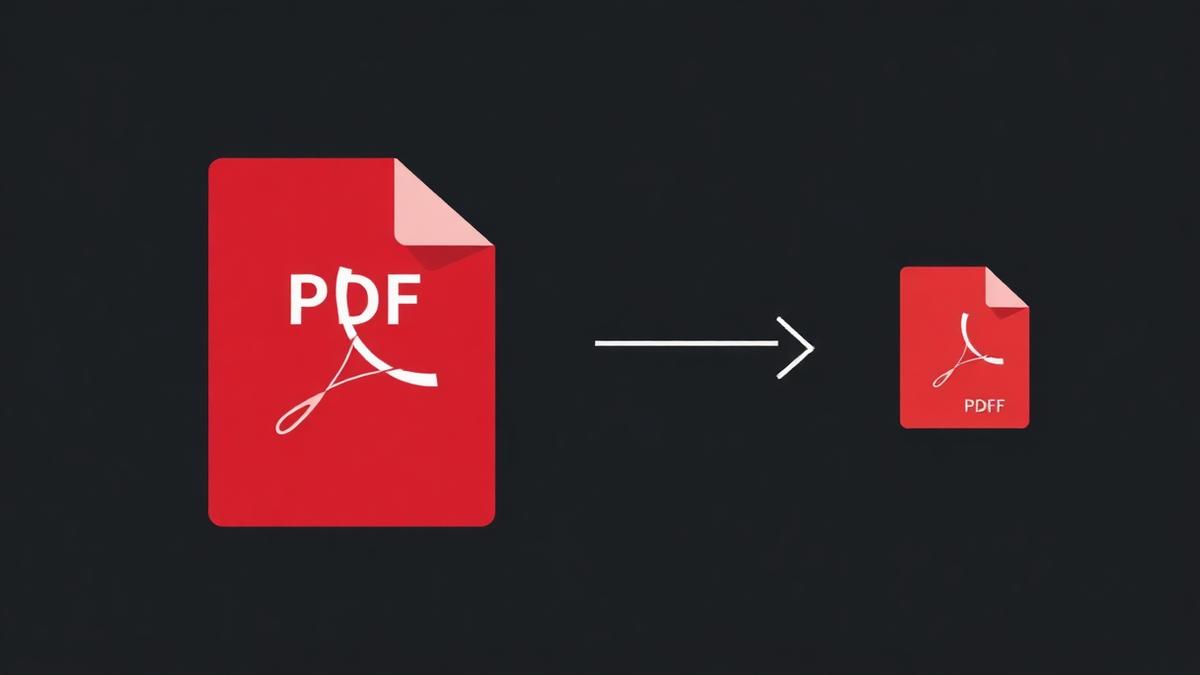
Every week I get asked the same question: 'My PDF is 40 MB and the upload form only accepts 5 MB — what do I do?' The answer is compression, but there is a right way and a wrong way. Do it wrong and your once-crisp scan looks like a low-res JPEG from 2004.
Why PDFs get so big
Three things bloat a PDF: high-resolution images, embedded fonts, and unnecessary metadata. When you scan a document at 600 DPI, each page is essentially a 5-megapixel photo. Multiply that by 20 pages and suddenly you have a 60 MB file for what is really just text.
The two compression strategies
Lossless — safe but modest
Lossless compression removes duplicated objects, strips metadata, and repacks streams. You get 10–30% savings without changing a single pixel. This is the right choice for legal contracts, tax returns, and anything you might need to print later.
Lossy — aggressive but readable
Lossy compression downsamples images to a lower DPI and re-encodes them as JPEG at a chosen quality. You can hit 70–90% savings, but the text on scanned documents starts to look soft. Use this for email attachments and web previews.
Target-size compression
Sometimes the upload form is strict: 'must be under 500 KB'. Our compressor has target-size modes for 50 KB, 100 KB, 200 KB, 300 KB, 500 KB and 1 MB. It automatically adjusts the compression level to hit the target on the first try — no trial and error.
Compression tips that actually work
- Compress once. Every re-compress of an already-compressed PDF loses more quality.
- For text-only PDFs, use lossless. Image quality does not matter when there are no images.
- For photo-heavy PDFs like portfolios, choose 150 DPI and 80% JPEG. That is the sweet spot.
- Split first, then compress. Smaller files compress faster and often better.
What compression cannot fix
If your PDF is a scanned book with 200 full-colour pages, no compressor will get it under 1 MB without turning the text into unreadable smears. The realistic target is 3–5 MB. Anything smaller means changing the scan itself.
Frequently Asked Questions
Will compression change how the PDF looks on screen?
Lossless — no. Lossy at 80% quality — barely noticeable. Below 50% quality, images start to show artifacts.
Can I compress a compressed PDF again to make it smaller?
You can, but the quality drops each time. Better to start from the original.
Does compression remove passwords or signatures?
Our tool preserves both. Signatures may become invisible if the tool re-generates the PDF structure — check after compressing.
Ready to try it yourself?
Compress PDF Now →