Keep Your PDF Files Safe With Password Protection
Add strong password protection to your PDF documents to prevent unauthorized access and improve security.
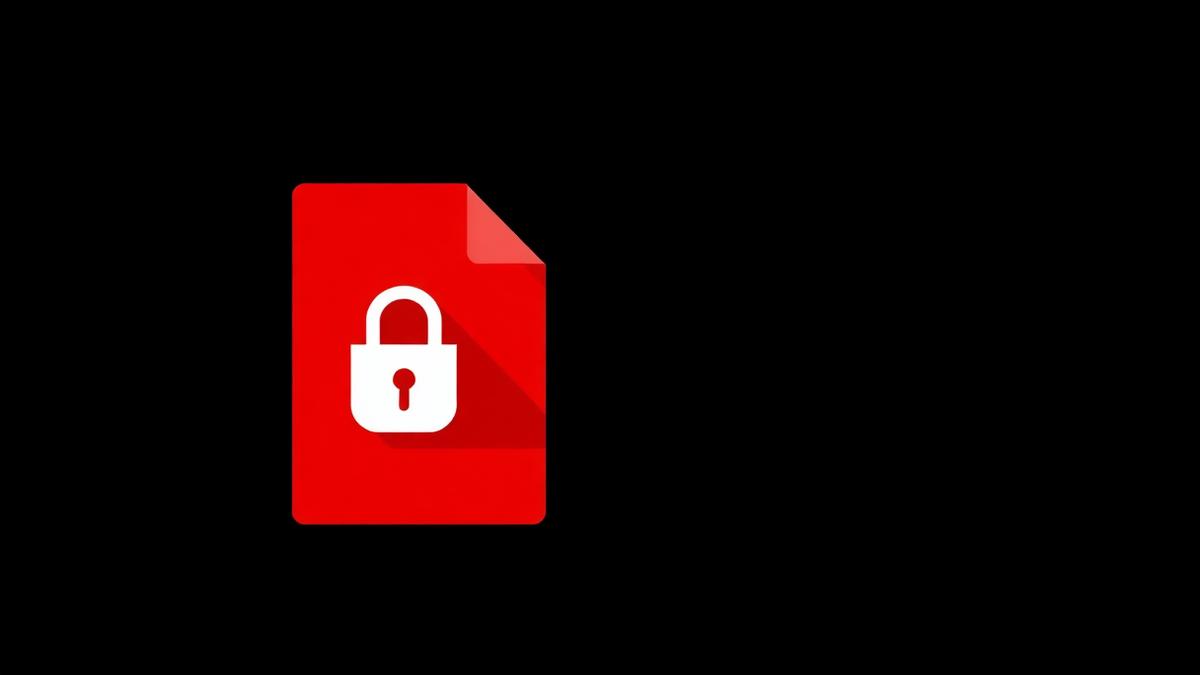
Emailing a bank statement without a password is like posting your account details on a bulletin board. Anyone who forwards, screenshots, or intercepts the message can read it. A five-second password is the difference between reasonable security and none at all.
Two types of PDF passwords
User password
This is required to open the document. Without it, the file looks like garbage. Use a strong one — at least 12 characters mixing letters, numbers and symbols.
Owner password
This controls permissions after the file is open — can the reader print it, copy text, or edit? Owner passwords are useful for public documents where you want to prevent misuse.
What real encryption looks like
Our tool uses AES-256, the same standard banks and governments use. Adding it in the browser means your file never leaves your device. Nobody — not even us — can see the password or the contents.
Choosing a good password
- Length beats complexity. A 16-character passphrase beats a 8-character random string.
- Never reuse passwords across sensitive files.
- Share the password through a different channel than the file itself. Send the PDF by email and the password by SMS.
- Store passwords in a password manager, not in your notes app.
When to also restrict permissions
If the PDF is a proposal you don't want copied, set an owner password and disable copying and editing. Recipients can still read it — they just cannot re-use your text.
Signs your password is not strong enough
'password123', your name, or your birthday can all be cracked in seconds by free tools. Use a passphrase like 'salmon-cactus-frozen-9!' and it becomes practically uncrackable.
Frequently Asked Questions
Can the password be recovered if I forget it?
No. AES-256 has no back door. Save the password in a password manager immediately.
Does password protection change the file size?
Barely — a few kilobytes for the encryption headers.
Will Adobe Reader show the file is protected?
Yes — the reader prompts for the password before opening.
Ready to try it yourself?
Protect PDF Now →