·7 min read
How to Combine Multiple PDF Files Without Losing Quality
Merging PDFs sounds simple, but the wrong tool can shrink your images, break your fonts, and add ugly watermarks. Here's how to combine them properly.
PDF Blog
Real-world walkthroughs from people who work with PDFs every day. Learn how to merge, split, compress, convert, protect and unlock — without the fluff.
Merging PDFs sounds simple, but the wrong tool can shrink your images, break your fonts, and add ugly watermarks. Here's how to combine them properly.
A 200-page manual is impossible to email. Here's how to split a big PDF into clean, shareable pieces in under a minute.
Most PDFs are 3–5x larger than they need to be. Here's how compression actually works and how to shrink a file without turning it into mush.
Photos of receipts, ID cards, notes — everyone has them. Here's how to turn a folder of JPGs into a proper PDF anyone can open.
PDFs are designed to be un-editable. Here's how to break that seal cleanly and end up with a Word document you can actually work with.
You've finished the report. Now it needs to look the same on your boss's screen, your client's phone, and the printer. That means PDF.
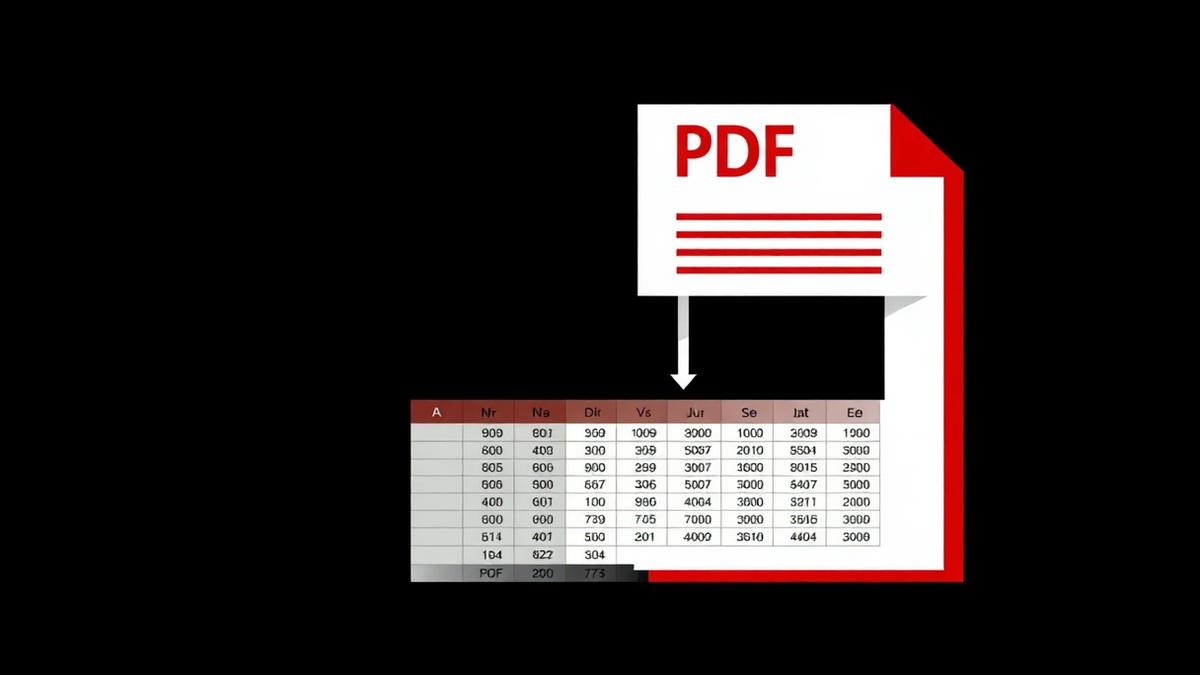
Bank statements, invoices, price lists — they arrive as PDFs and you need them as Excel. Here is a practical guide to getting the numbers out.
Sending an .xlsx file to a client feels wrong. They can change your numbers, break your formulas, or open it in a wrong version. PDF fixes all three problems.
You've been sent a PDF of last year's deck and asked to update it. Here's how to turn it back into a real PowerPoint you can actually edit.
The best way to share slides with people who don't have PowerPoint is to convert them to PDF. Here's how to do it without losing your fonts.
Sometimes you need a single page as a picture — for a slide, a website, or Instagram. Here's how to export PDF pages as crisp JPGs.
JPG, PNG, WebP — every image format has a use case. Here's how to pick the right one when exporting a PDF.
Bookmarks disappear, articles get paywalled, pages get updated. Save the version you saw as a PDF and it stays yours forever.
Contracts, tax returns, IDs — some PDFs should not be readable by anyone who happens to open the file. Here's how to lock them properly.
You know the password but you're tired of typing it every time. Or the printing restriction is blocking a valid workflow. Here's the safe way to unlock a PDF.