Save Any Web Page as a PDF Document Easily
Convert HTML pages into printable PDF files with accurate formatting and layout preservation.
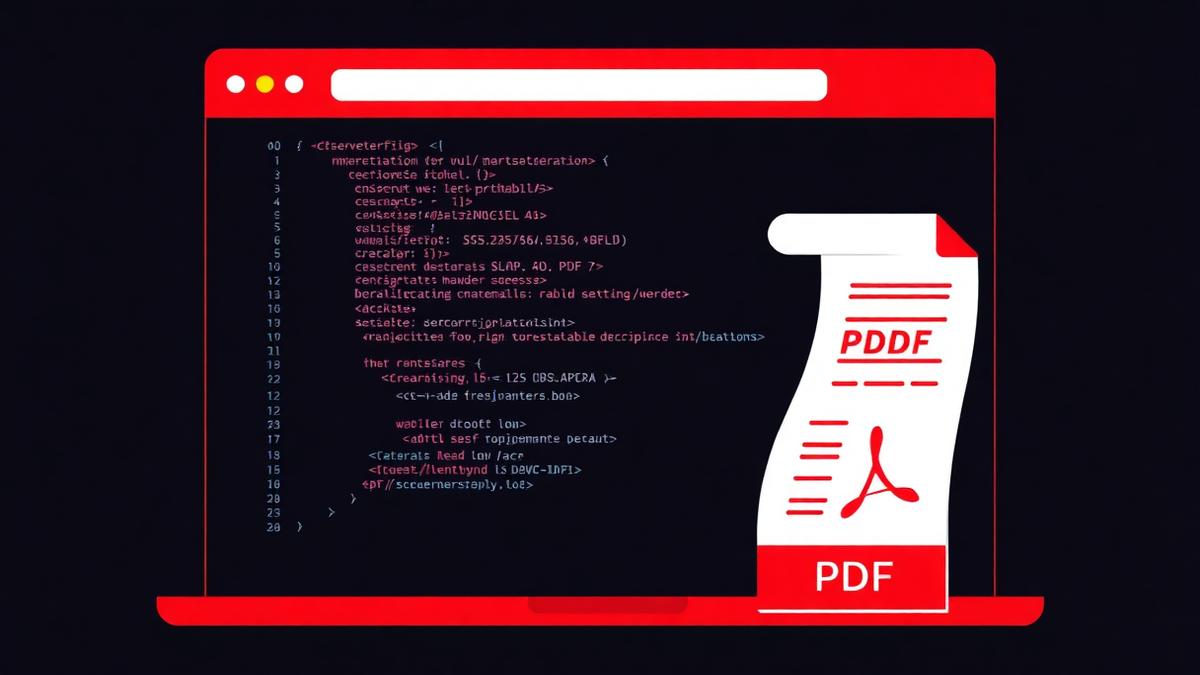
The web changes. That article you loved may not exist next week, and if it does, the layout might be different. Saving the page as a PDF freezes it exactly as you found it — good for reading offline, for building a research file, or for archiving anything you might need to reference later.
Three ways to convert HTML to PDF
Print to PDF
Every browser has it. Ctrl+P, choose Save as PDF. Fast, but page breaks in messy places and layout often gets mangled by print styles.
Browser extensions
They work but need to be installed and given permission to read every page you visit. Not great for privacy.
Dedicated HTML to PDF tool
Our tool takes either the HTML source or a snapshot of the rendered page and produces a proper PDF with clean margins, page breaks, and preserved styles. This is what most people want.
Tips for a clean export
- Trigger reader mode first if the site is cluttered — you get just the article.
- Zoom in slightly (110–125%) before printing to make text bigger in the PDF.
- Uncheck 'Headers and footers' in the print dialog to remove the URL bar at the bottom of every page.
- For long pages, expect the PDF to have many pages — check page break locations before finalising.
Preserving links
A good HTML to PDF conversion keeps hyperlinks clickable. If yours does not, the file was probably rasterized (turned into images) — pick a tool that produces a vector PDF instead.
What about JavaScript-heavy pages?
Single-page apps and dashboards often need to be fully loaded before the PDF is captured. Scroll to the bottom first so lazy-loaded content is rendered, then export.
Frequently Asked Questions
Will videos and animations be captured?
Videos are represented by a still frame. Animations freeze at whatever state they were in.
Can I convert a page behind a login?
Only if you export from your own browser session. External tools cannot see your logged-in state.
Does the tool respect print CSS?
Yes — pages with @media print styles look better than pages without.
Ready to try it yourself?
Convert HTML to PDF →