Transform PDF Documents Into Editable PowerPoint Slides
Convert PDF files into PowerPoint presentations while preserving text, images, and layouts.
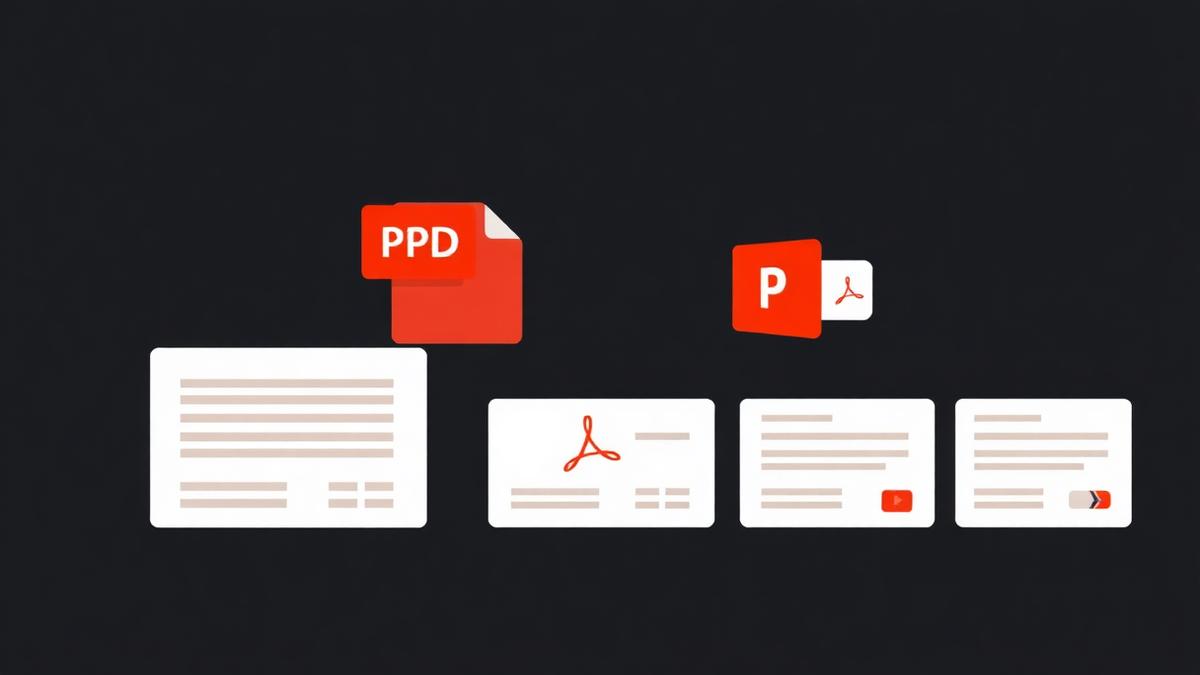
Slides that were exported to PDF are frozen. You can view them, you can print them, but you cannot change a single word. And that is precisely the deck your manager wants updated for tomorrow's meeting.
How the conversion works
Our tool takes each page of your PDF, renders it as a high-resolution image, and drops it onto a new PowerPoint slide sized to match. You get one .pptx file with the same number of slides as pages, ready to be re-arranged, annotated, or exported again.
Two conversion modes
Image-per-slide (default)
Each PDF page becomes a background image on a slide. Text is not selectable, but the layout is pixel-perfect. Use this when the deck contains complex design elements.
Text-and-image extraction (advanced)
The tool separates text from images and puts them into editable PowerPoint objects. You can change words, but the layout may need adjustments. Use this when you plan to rewrite the content.
Practical tips
- Choose slide size 16:9 for modern decks, 4:3 for legacy printers.
- Convert only the pages you actually need — use Split PDF first.
- For scanned PDF decks, run OCR before conversion to make the text editable.
Common pitfalls
Fonts embedded in the PDF may not exist on your computer. PowerPoint will substitute the closest match, which sometimes looks noticeably different. Install the correct font before opening the .pptx, or accept the substitution.
Animations do not come back. PDFs never contained them in the first place. If the original PowerPoint had transitions, they are permanently gone.
Frequently Asked Questions
Can I keep the original PowerPoint dimensions?
Yes — pick Auto and the tool matches the PDF page ratio to the slide size.
Will images stay as separate objects?
In text-and-image mode, yes. In image-per-slide mode, everything is flattened.
How big will the .pptx file be?
Roughly 1.5× the PDF size in image mode, because images are re-encoded per slide.
Ready to try it yourself?
Convert PDF to PPT →