Turn Images Into High-Quality PDF Documents in Minutes
Convert JPG images into professional PDF files for sharing, printing, or archiving in just a few simple steps.
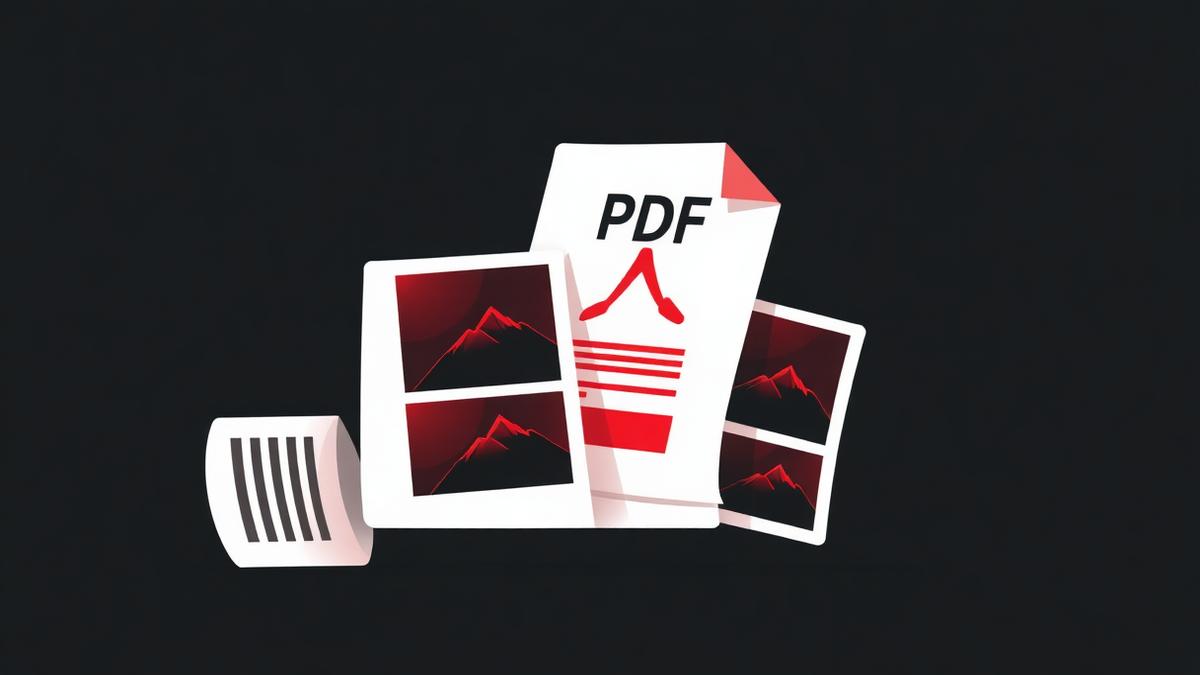
The bank asks for scans. The visa office asks for a single PDF of your documents. Your professor wants your handwritten homework as one file. In every one of those situations, the fastest fix is to snap photos with your phone and convert them to a PDF.
Why PDF beats sending raw JPGs
- One file instead of twelve attachments.
- Fixed page order — the receiver sees your pages in the sequence you meant.
- Consistent page size and margins.
- Prints properly, unlike a photo that fills the whole sheet edge to edge.
How the conversion works
A PDF page is basically a rectangle that can hold images and text. When you convert a JPG, the tool creates a page the size you choose (A4, Letter, or fit to image), places your JPG on it with the margins you want, and repeats for every image. No re-encoding — your JPG bytes are embedded as they are.
Getting a professional result
1. Shoot straight
Hold the phone parallel to the page. Skewed photos look sloppy in the final PDF. Most phone cameras have a document mode that auto-corrects perspective — use it.
2. Good light beats high resolution
A well-lit 8-megapixel photo looks better in a PDF than a shaky 48-megapixel one. Shoot near a window.
3. Pick the right page size
For documents that will be printed, use A4 or Letter. For portfolios that will only be viewed on screen, use fit-to-image so nothing gets cropped or scaled.
Batch conversion tips
Our JPG to PDF tool lets you drag in dozens of images at once, re-order them, and choose orientation per page. If you have both portrait and landscape shots, pick auto-orientation and each page rotates itself to match the image.
Frequently Asked Questions
Does the PDF file get bigger than the sum of the JPGs?
Slightly, because of PDF structure overhead. Usually 5–10% extra.
Can I combine JPGs and PNGs in the same PDF?
Yes. Our tool accepts JPG, PNG and WebP together.
Will the text in my scanned photos be searchable?
Not automatically. For searchable text, run the finished PDF through OCR (our PDF to Word tool does this and you can re-save).
Ready to try it yourself?
Convert JPG to PDF →